Text Converter
Convert pasted Chinese text between Simplified and Traditional.
Convert Text →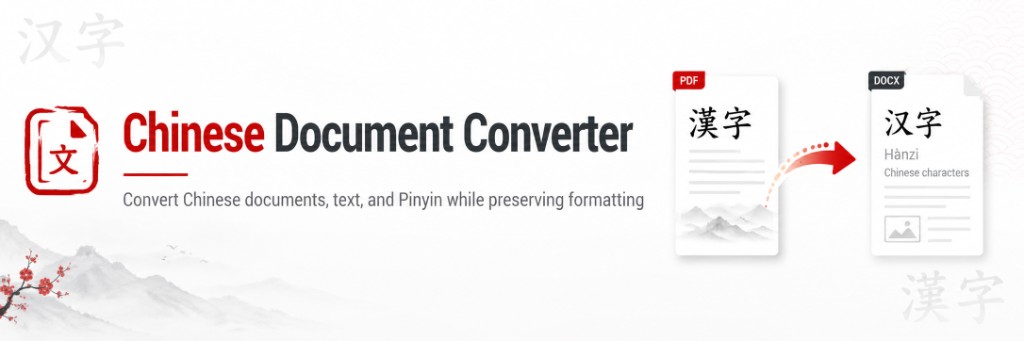
Type pinyin with tone numbers and turn them into tone marks.
Type syllables with tone numbers — ni3 hao3 — and this tool turns them into nǐ hǎo. Use 5 for the dotted neutral-tone style described in the input hint. The tool follows standard mark placement (hǎo, not haǒ). It does not know which Chinese word you meant; you already chose the letters.
If you already have Chinese characters and want Pinyin generated for you, use the Chinese to Pinyin converter. If you need Simplified and Traditional conversion, that is a different tool.
See how to type Pinyin tone marks for operating-system workarounds, and tone marks vs tone numbers for when digits are the more durable spelling. Third-tone ǎ is the mark most Western keyboards hide. Number input exists so you do not have to hunt for it.
Convert pasted Chinese text between Simplified and Traditional.
Convert Text →Add tone-marked Pinyin to Chinese text or documents.
Convert to Pinyin →Convert Word, PDF, Excel and PowerPoint files while preserving formatting.
Convert Document →Converts characters inside the file so Word styles, Excel formulas and PowerPoint layouts stay in place.
One upload box for Word, Excel, PowerPoint, PDF and TXT files.
Simplified and Traditional conversion, including Taiwan and Hong Kong character standards.
Use the site in English, Chinese, Japanese, Spanish, German, French, or Vietnamese.