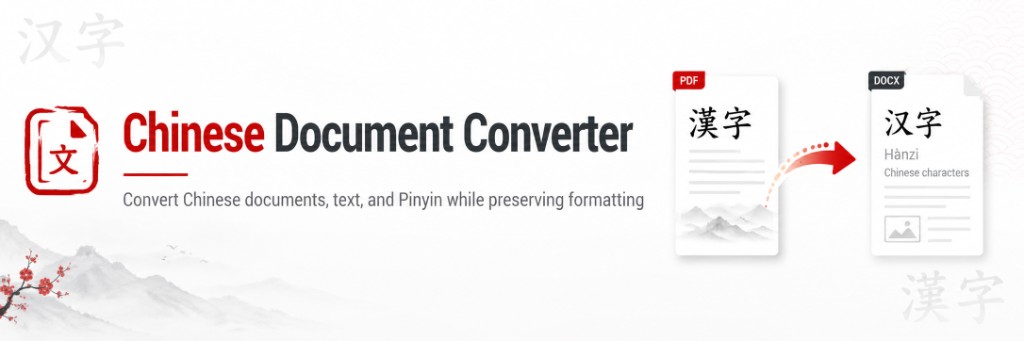
Chinese documents are more than a string of characters. A Word file carries styles and headings. A spreadsheet keeps formulas in place. A slide deck keeps text in shapes that already have a layout. A PDF may embed fonts or, worse, a photograph of a page. When you convert Simplified Chinese to Traditional Chinese, or the other way around, the goal is to change the writing system without wrecking the file.
These guides explain how document conversion works, which problems are common, and how ChineseDocConverter's document tool approaches Word, Excel, PowerPoint, PDF and plain text. They assume you already know that conversion is not translation. 国 becomes 國. The sentence is not rewritten for a new city's jokes or laws.
If the Chinese is not readable yet, do not start here. Start with garbled Chinese text and Chinese fonts and Unicode. OpenCC cannot recover characters that were never stored.
What you can convert
- Microsoft Word (DOCX) — Word guide
- Excel (XLSX) — Excel guide
- PowerPoint (PPTX) — PowerPoint guide
- PDF — PDF guide
- Plain text (TXT)
The converter uses OpenCC conversion types such as Mainland, Taiwan and Hong Kong standards. Read OpenCC conversion types explained before you choose an option. Taiwan and Hong Kong Traditional are not the same target.
Older binary .doc and .ppt files should be saved in the modern Office formats first. Scanned PDFs need OCR before they are documents in the sense this tool uses.
How to pick a guide
- You have an editable report or letter: Word.
- You have labels next to formulas: Excel.
- You have a deck you will still present: PowerPoint.
- You only have a PDF and you can copy text out of it: PDF.
- You see boxes or random symbols: fonts and garbled text first.
After any important conversion, use the proofreading checklist. Names, sheet tabs and slide titles are where dictionaries have the least context.
When you are ready, open the document converter. For a trial paragraph, use the text converter. Converted downloads are temporary; see document privacy.